Video guides
Artifactly video guides
Artifactly's video guides are 31 short walkthroughs of the Artifactly app, the inventory and cross-listing software for antique, vintage and second-hand dealers. Each video covers one part of the app, from your first day to selling and sending a piece.
Every guide has its own page with chapters and the full transcript. The screens are the real Artifactly app, recorded on a demo shop with made-up stock, and the voice is computer-generated.
Getting started and the Command Room
Watch as a YouTube playlist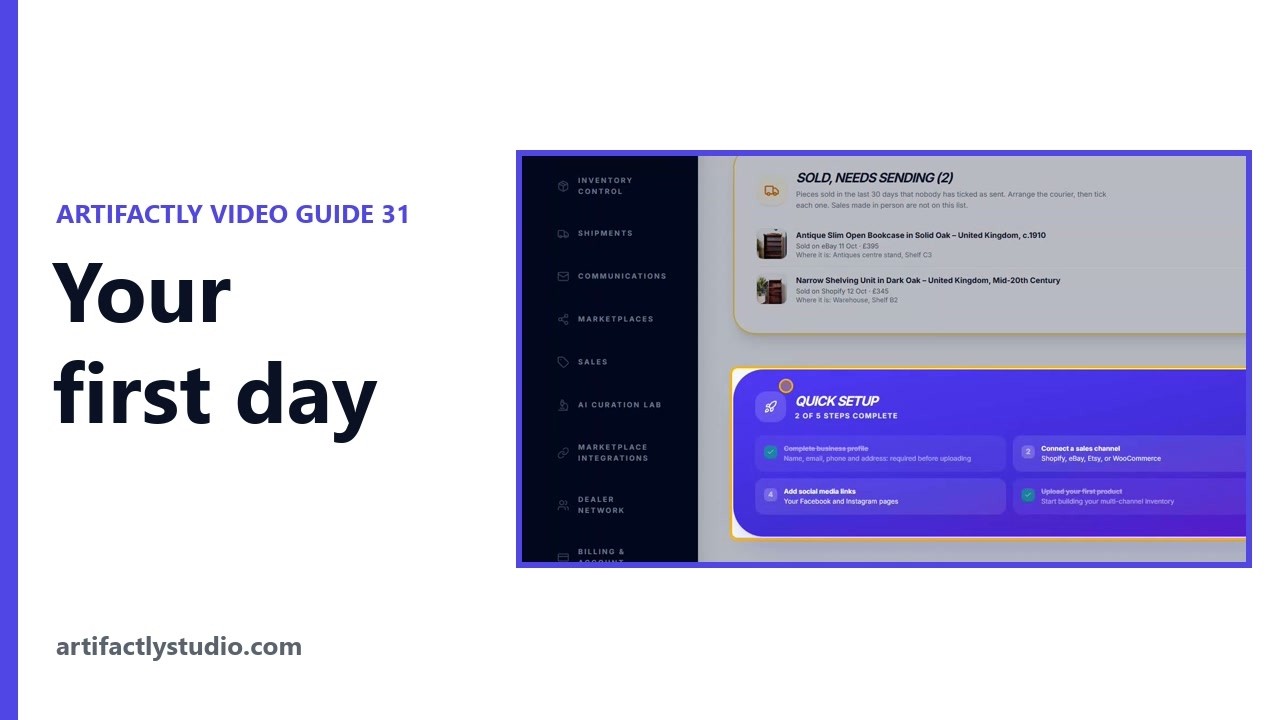 5:36
5:36Your first day: sign up and list your first piece
Your first day with Artifactly, in order: what a new account sees, the free trial, the Welcome banner and Quick Setup, then four steps to your first piece. 2:39
2:39Artifactly tutorial for beginners: find your way round the app
A short tour of Artifactly, the inventory and cross-listing app for antique and vintage dealers: what every menu page is for, and where to find help.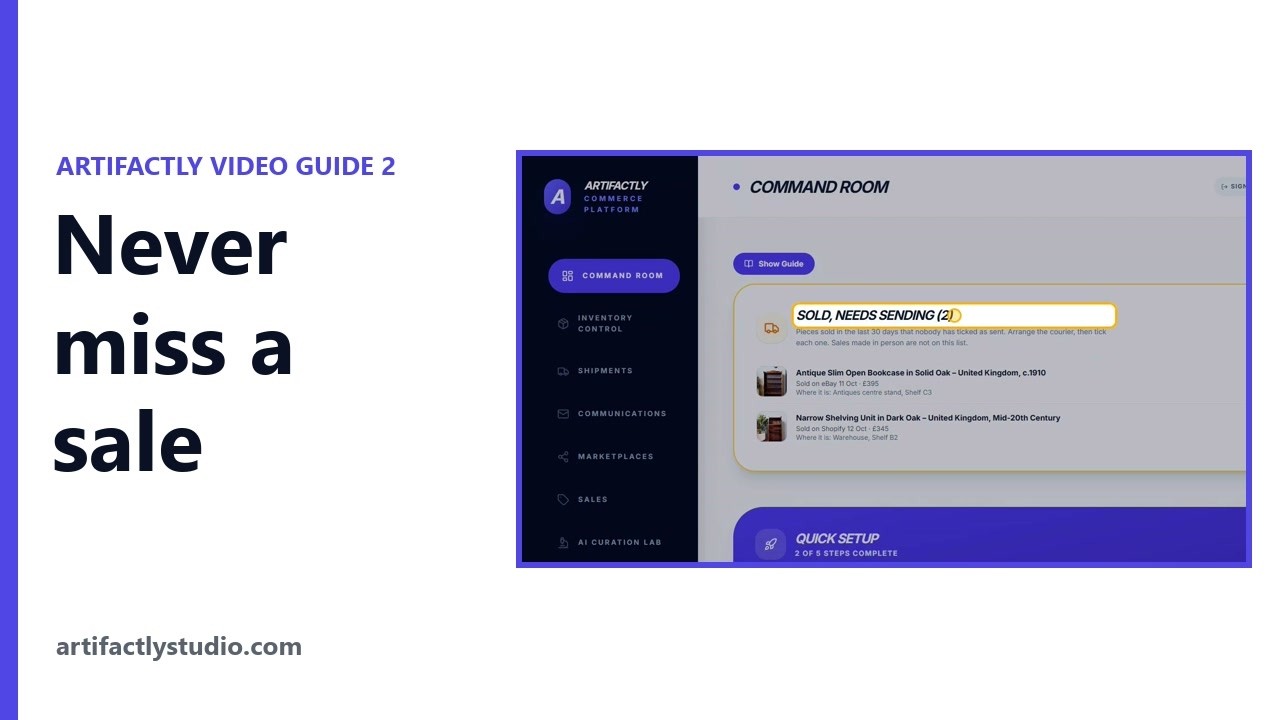 4:59
4:59Track sold items to send and stop selling twice
Artifactly lists every piece sold online in the last 30 days until someone ticks it as Sent, and shows whether your sale email was sent.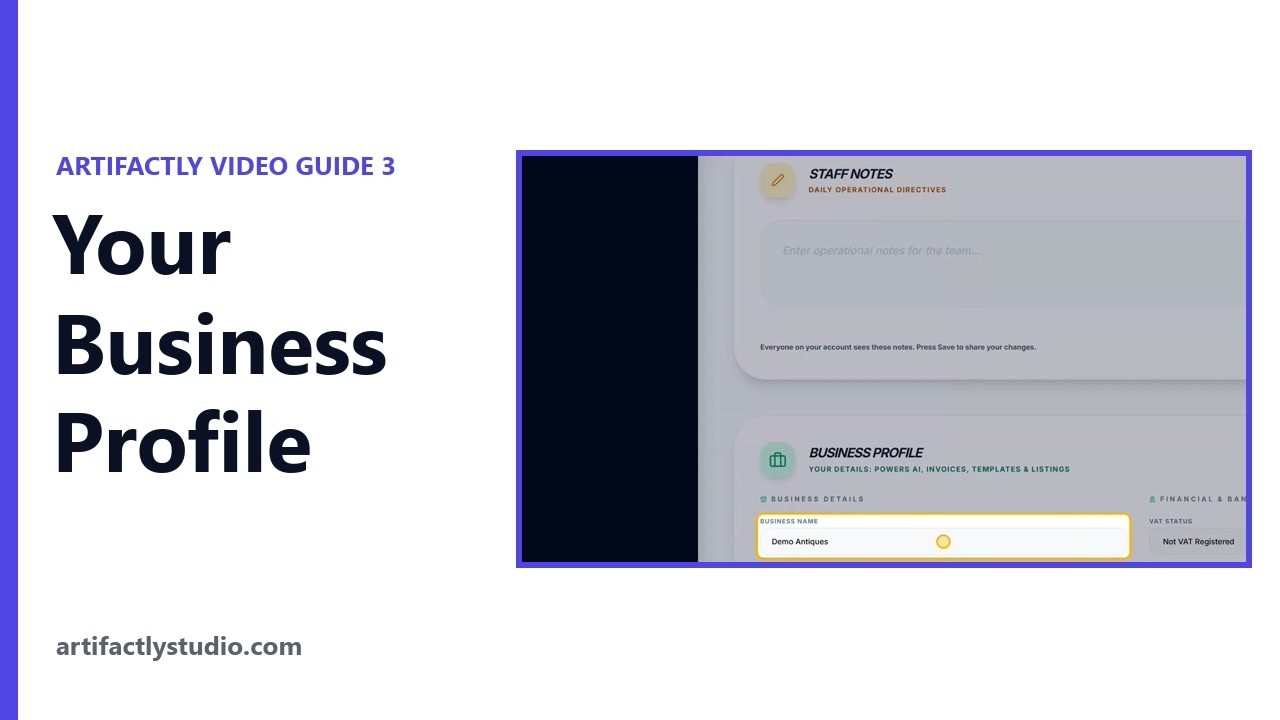 4:23
4:23Set up your business profile for eBay, Etsy and invoices
Your Business Profile holds the details Artifactly puts on your listings, invoices and sale emails, and your name, email, phone and address must be in before you can upload a piece.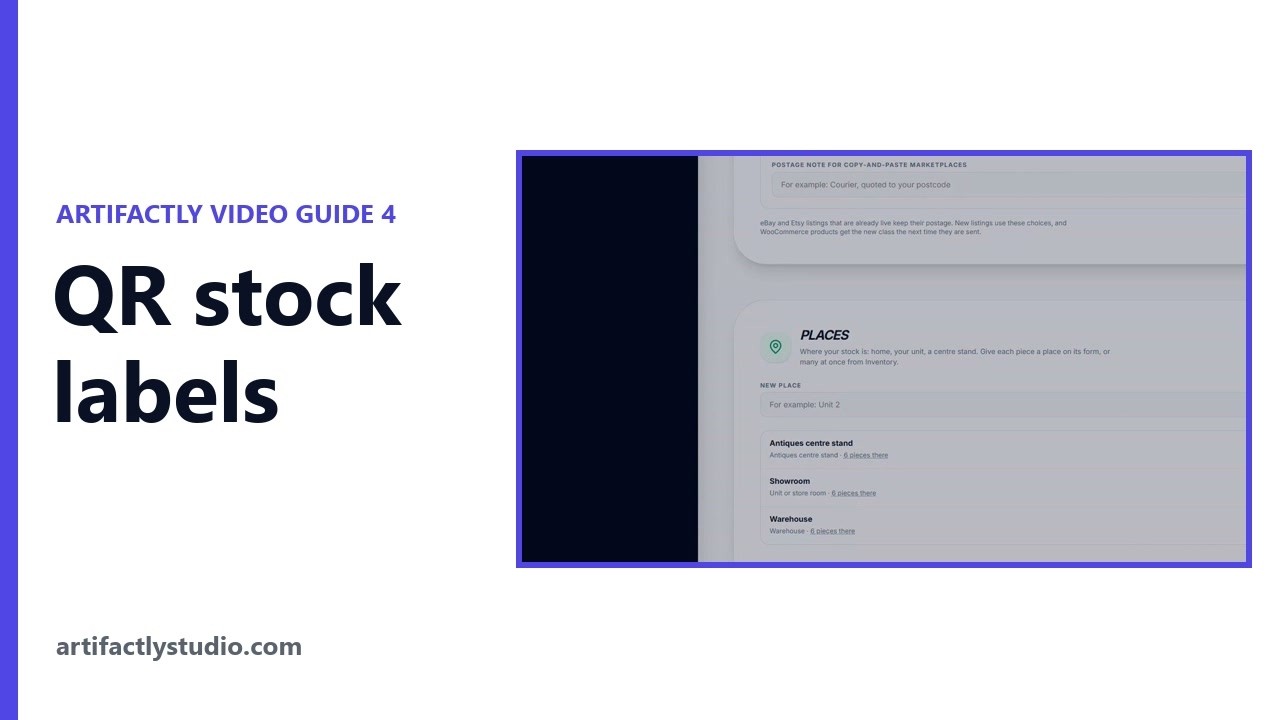 5:05
5:05QR stock labels and postage sizes for eBay and Etsy
Artifactly gives every place you keep stock its own QR label: scan the place with your phone, then scan a piece and press Move here. 5:17
5:17Find listings missing photos, prices or sizes
The Catalog Checkup looks at every unsold item and lists what is missing or wrong: no photos, no price, no sizes, short descriptions, duplicate SKUs and more.
Adding and managing your stock
Watch as a YouTube playlist 8:32
8:32Connect eBay, Etsy, Shopify and WooCommerce to Artifactly
To connect eBay, Etsy or WooCommerce to Artifactly, open Marketplace Integrations and press Connect. A new Shopify shop connects from Shopify itself: install Artifactly there, then press Link to Artifactly. 8:02
8:02Import eBay, Etsy, Shopify and WooCommerce listings
Connect Shopify, eBay, Etsy or WooCommerce to Artifactly, step by step: what you need first, what to press, and what happens in the marketplace's own window, and for Shopify, in Shopify itself. For WooCommerce, where to make the API key, from WooCommerce's own help page. 13:13
13:13How to list an antique start to finish, with AI
List one piece from start to finish: the AI writes the listing from a photo, your sizes and your notes, then Transfer To Upload Form fills the Upload Item window for you. 6:56
6:56List an antique: title, AI description and price
Upload Item starts a new piece: choose where it will be sold, write the title and description by typing or dictating, and set the price. 5:22
5:22Add sizes, weight and antique details to a listing
Artifactly fills the size boxes from the sizes in your description, estimates the weight from the sizes and material, and suggests a postage size against Royal Mail's limits. 5:55
5:55eBay and Etsy categories, Etsy "who made it" and photos
Artifactly searches eBay's and Etsy's own category lists as you type, and answers Etsy's "who made it" and "when was it made" for you when you leave them empty. 6:57
6:57Manage your stock and send it to eBay, Etsy and Shopify
Inventory Control holds every piece you have: find it, change many at once, and press SYNC to send it to every marketplace you have turned amber.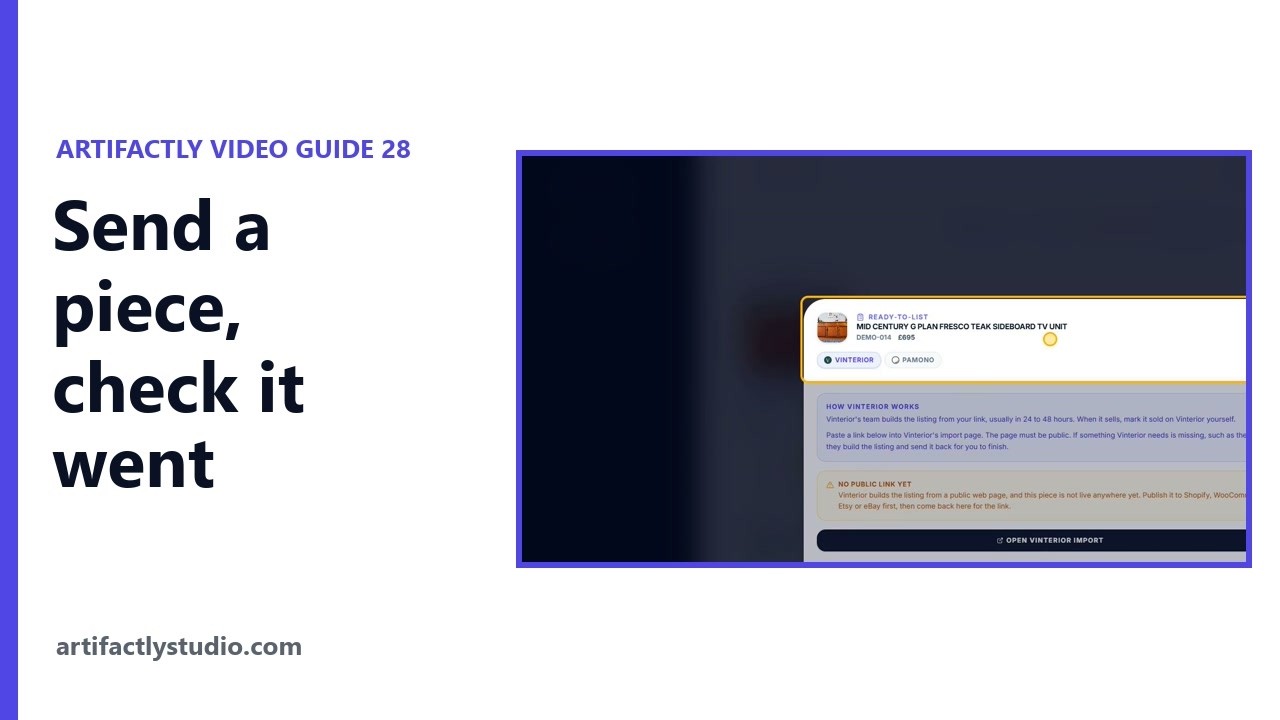 6:38
6:38Send a piece to your marketplaces and check it went
Saving a piece does not put it on sale. This video sends one piece out: find it in Inventory Control, press the marketplace icons you want so they turn amber, and press SYNC. 5:40
5:40How to change a price on a live eBay or Etsy listing
Change a piece that is already for sale: find it in Inventory Control, press Edit, change the price, title, description, sizes or photos, and press Save Product. 4:36
4:36Import your stock from a spreadsheet, eBay, Etsy or Shopify
Bring your stock into Artifactly three ways: a CSV or Excel file with Bulk Import, Import from a connected marketplace, or Refresh from Shopify. 8:07
8:07How to move from Sellbrite, Vendoo or Crosslist
Move all your stock from Sellbrite, Vendoo, Crosslist or another tool into Artifactly, step by step: download your files from the old tool, bring them in with Bulk Import, and check how every column was matched before anything is saved.
Listing and selling on every marketplace
Watch as a YouTube playlist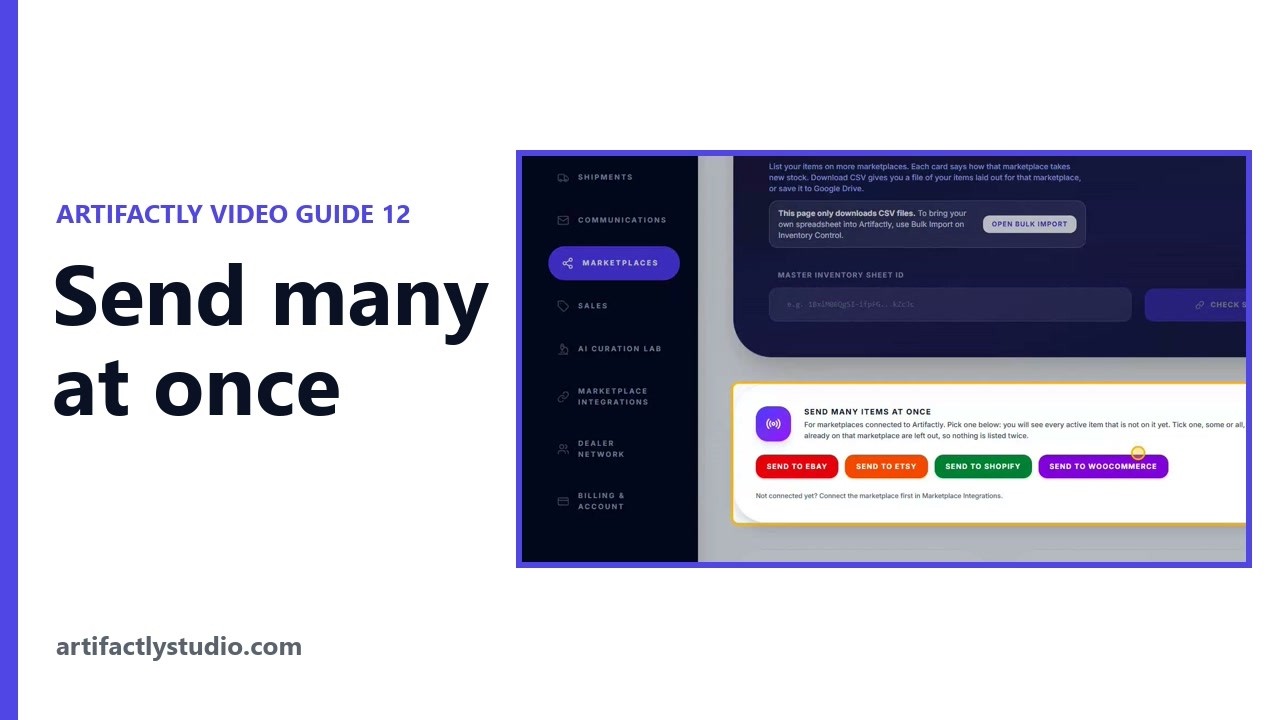 5:34
5:34Send many items to eBay or Etsy at once, plus Google Shopping
Send many items at once lists every active item not yet on eBay, Etsy, Shopify or WooCommerce, all ticked: untick any to keep back, then press Push.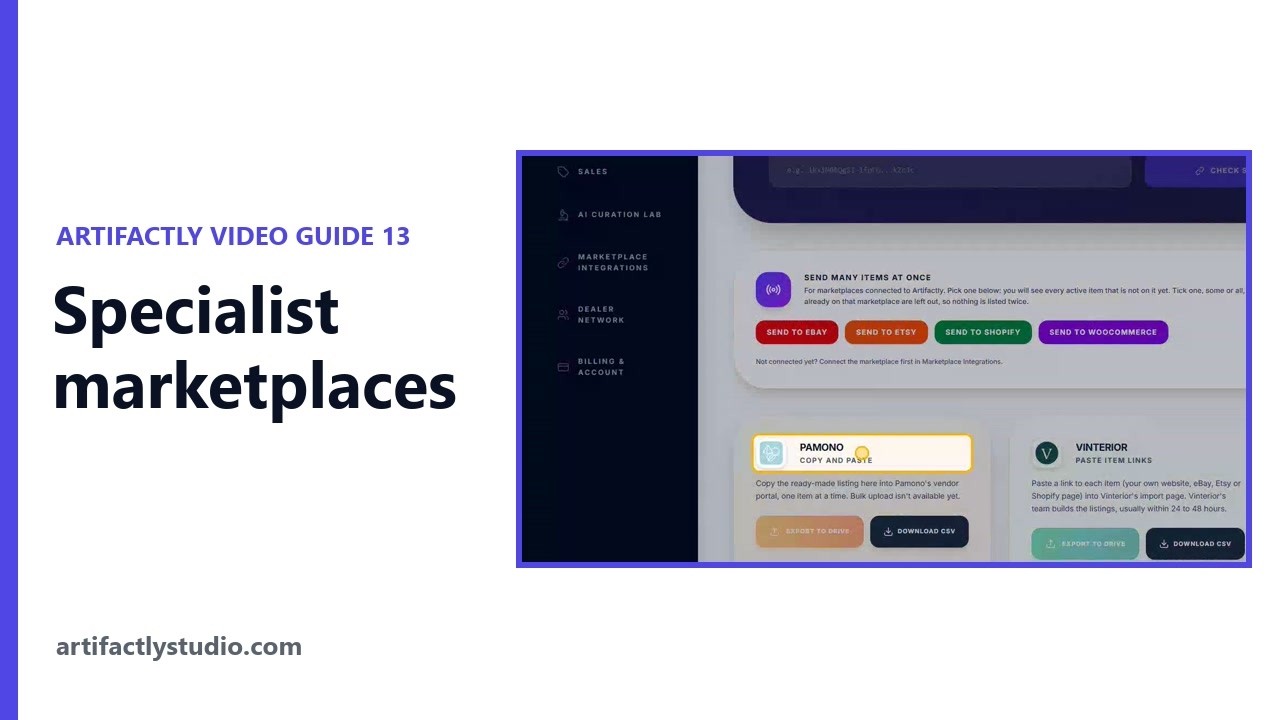 6:34
6:34List on Vinterior, Pamono, LAPADA, 1stDibs and more
Artifactly prepares listings for specialist antique and vintage marketplaces it does not connect to directly, as a CSV file or a ready-made listing to copy in.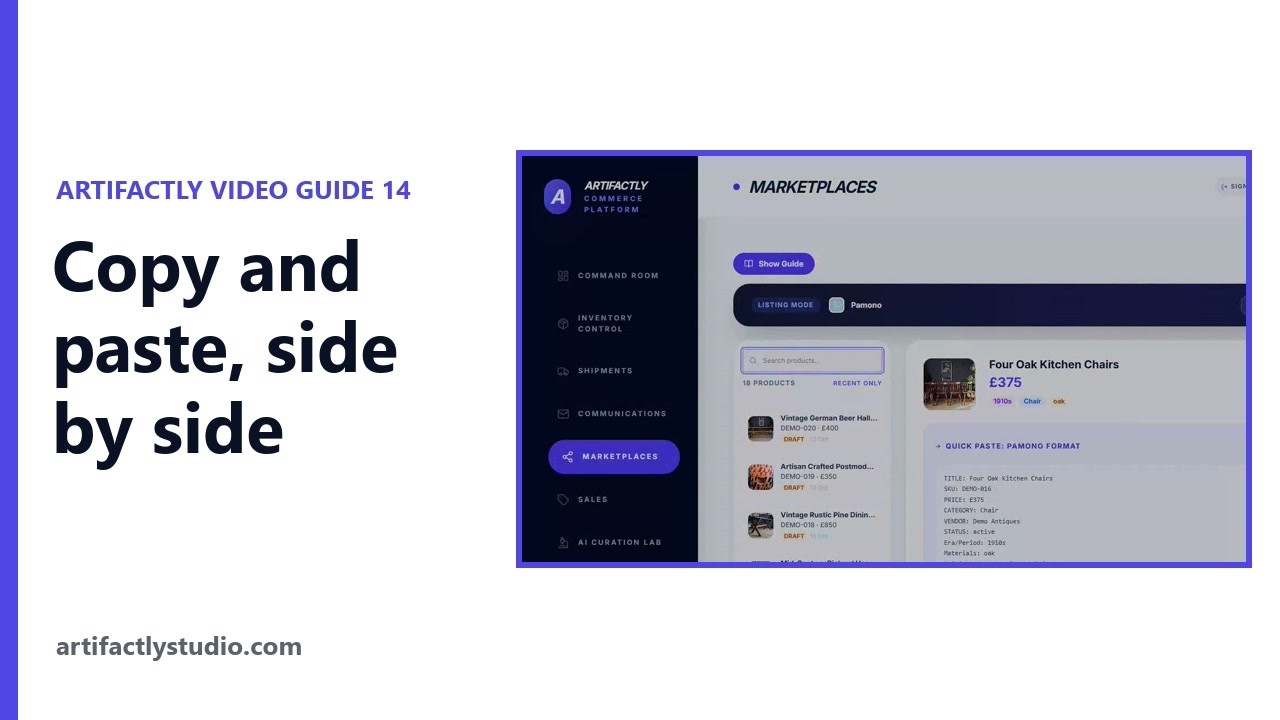 5:10
5:10Copy and paste a listing to any marketplace, side by side
Work Side-by-Side opens the marketplace on one half of your screen and turns Artifactly into a copy panel, so you copy each field or the whole listing straight across.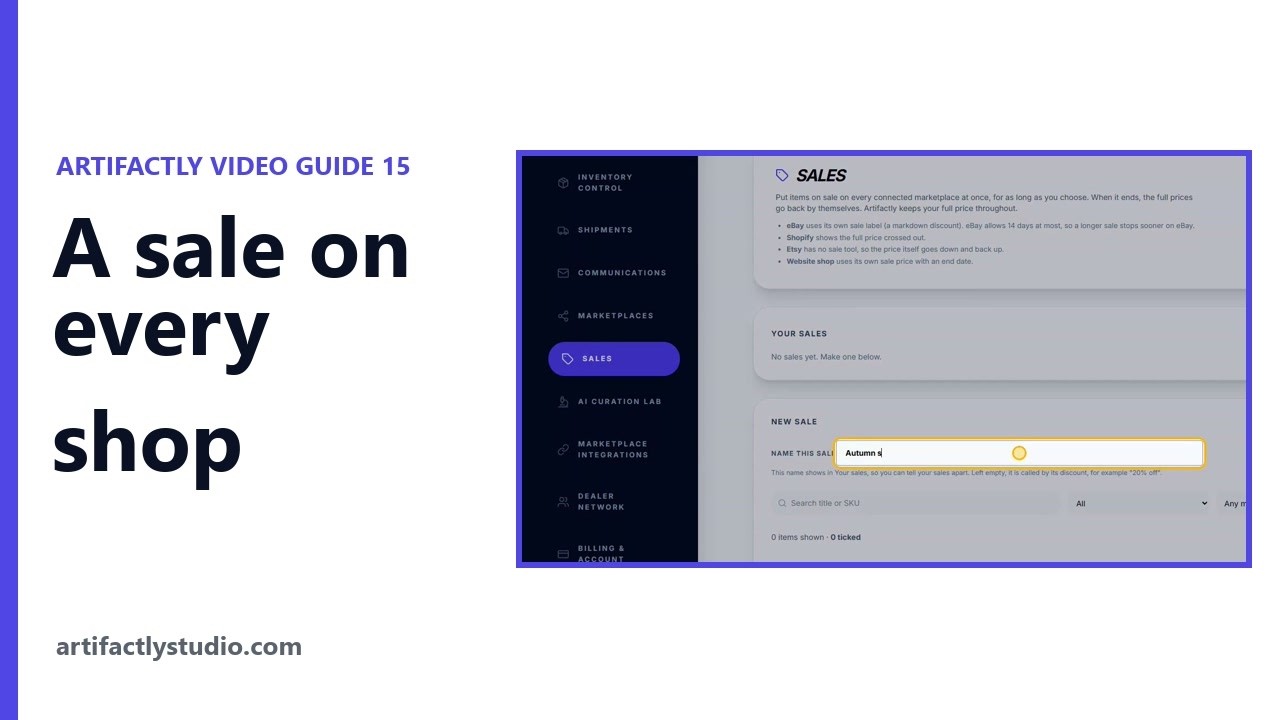 3:50
3:50Run a sale on eBay, Etsy and Shopify at once
The Sales page puts chosen items on sale on every connected marketplace at once, for as long as you choose, and puts the full prices back when it ends.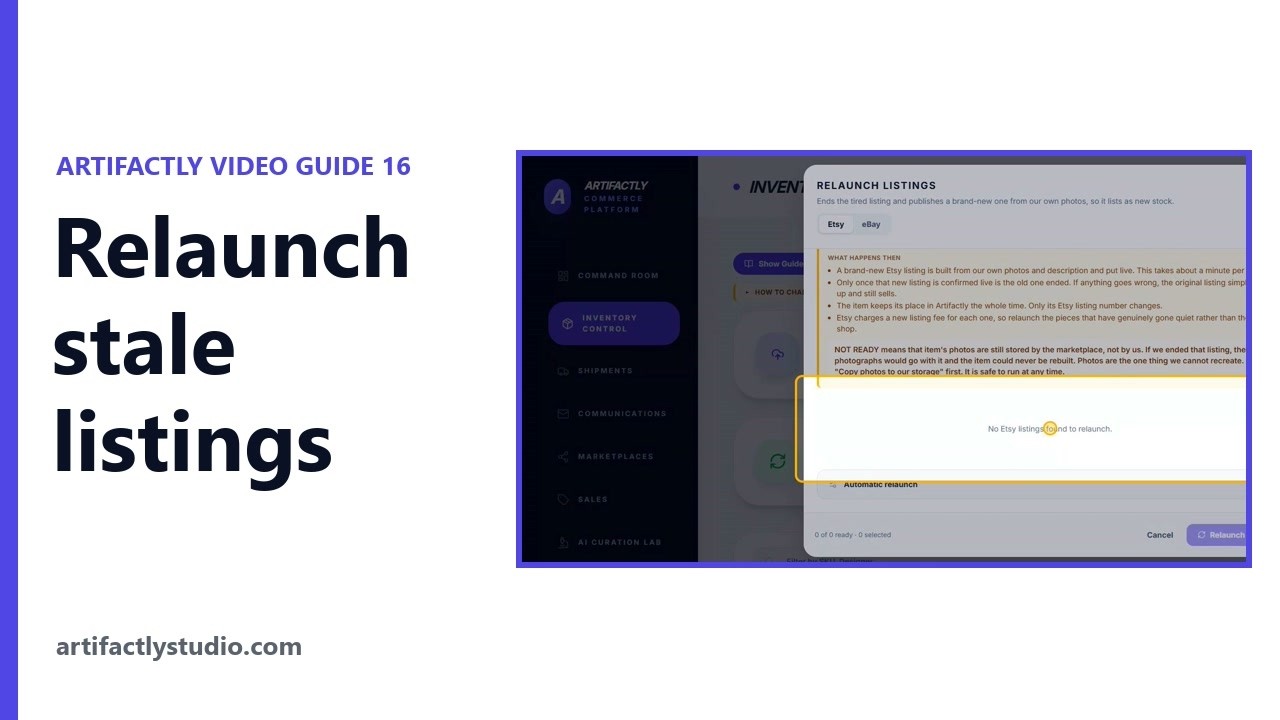 4:55
4:55Relist stale eBay and Etsy listings as new stock
Relaunch Listings shows how long every piece has been on sale on Etsy and eBay, then ends a tired listing and publishes it again as new stock.
Delivery, customers and paperwork
Watch as a YouTube playlist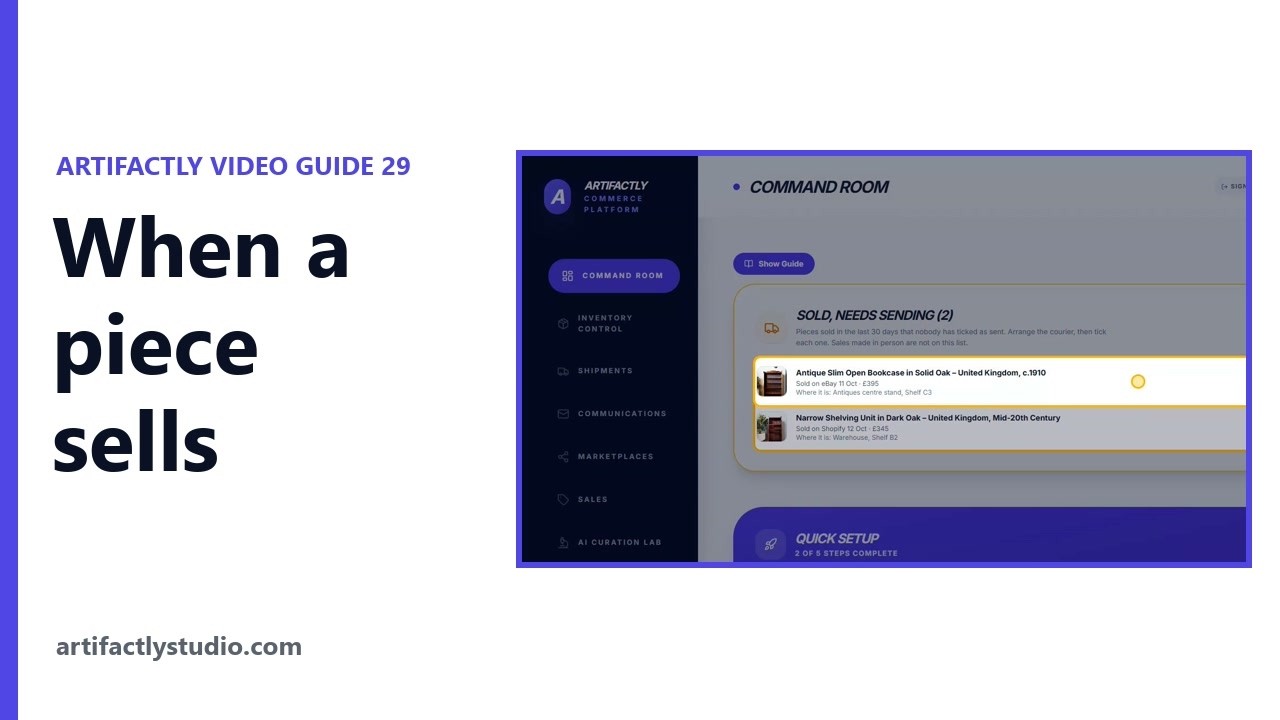 7:06
7:06When a piece sells: from the sale to the courier
One sale from start to finish: Artifactly finds a sale on eBay, Etsy, Shopify or WooCommerce, ends the piece on your other connected marketplaces, and emails you what it did and what is left for you. 5:02
5:02Furniture delivery: weight estimate and Shiply or AnyVan text
Shipments estimates how heavy a piece is from its sizes and material, works out a guide delivery price from the weight, and writes the job text for Shiply and AnyVan.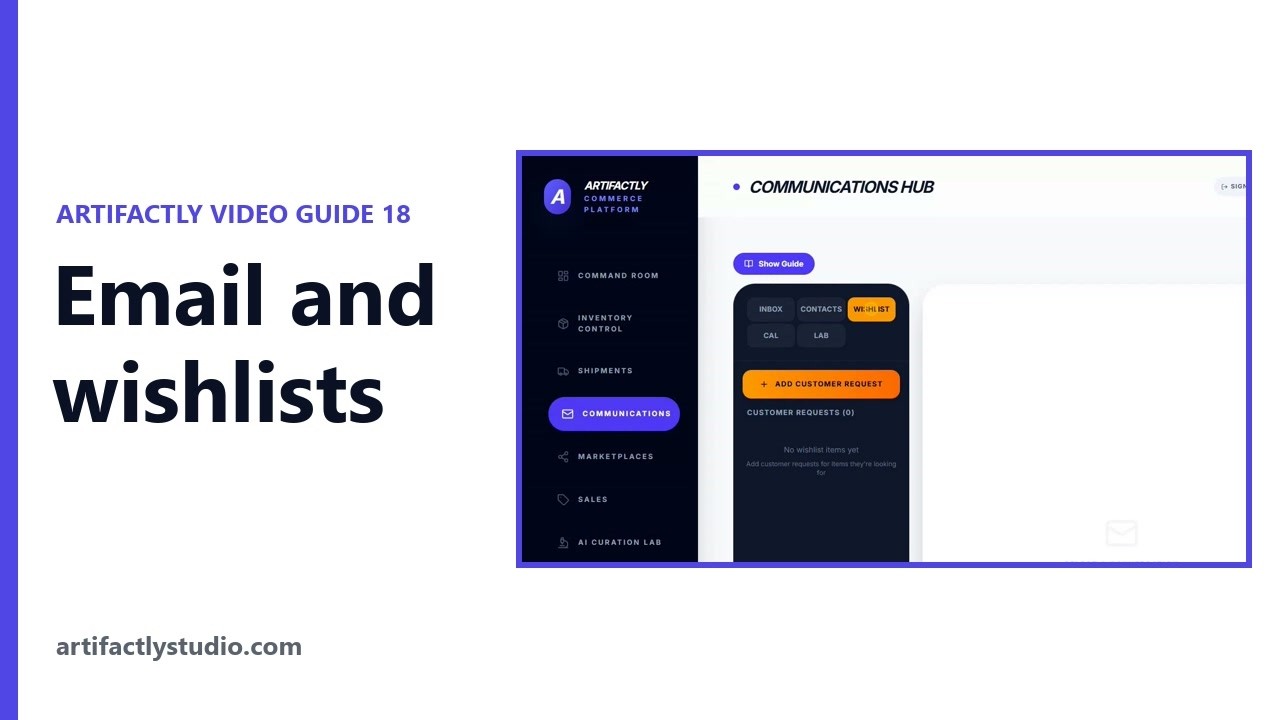 5:58
5:58Email, contacts and customer wishlists for dealers
Communications brings your email, contacts, customer wishlists and calendar into Artifactly, and matches the pieces you have for sale to what customers asked for.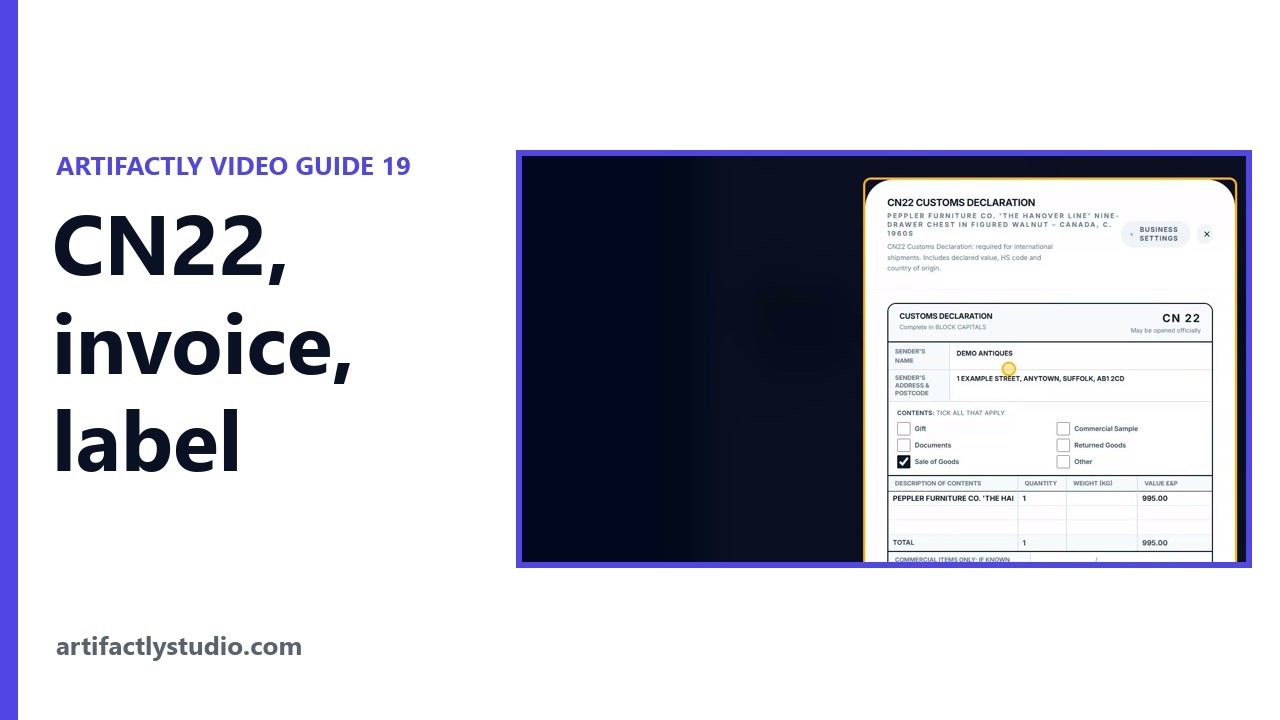 4:59
4:59CN22 customs form, invoice and address label
Each piece in Artifactly can make its own commercial invoice, CN22 customs form, address label and packing list, filled in from the piece and your Business Profile.
The AI Curation Lab
Watch as a YouTube playlist 8:50
8:50AI descriptions for antiques, with sources and templates
Description AI writes a full listing for one piece from a photo, your sizes and your notes, after searching museums, archives, makers' records and auction houses first. 7:00
7:00White background photos and virtual room staging
White Background cuts a piece out of its photo and puts it on pure white, and Virtual Staging places a piece in a room so a buyer can picture it at home.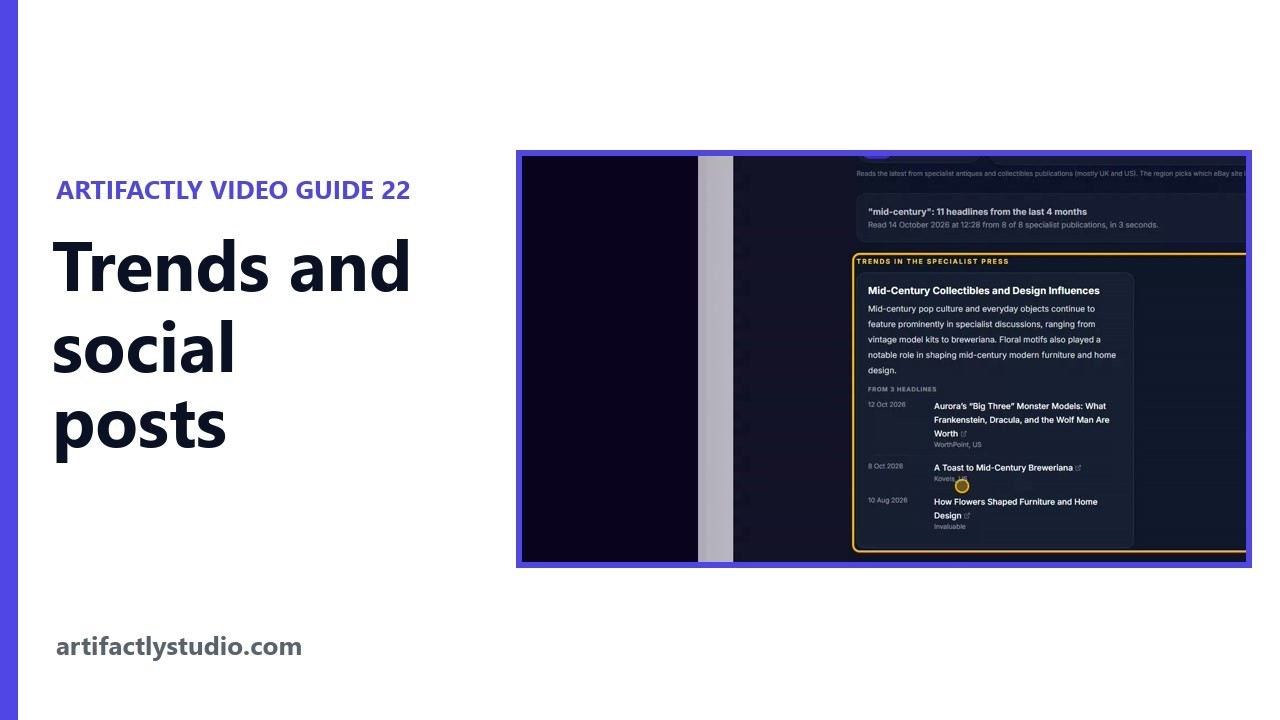 5:41
5:41Antiques trends and social media posts from your stock
Trend Intelligence groups the latest headlines from specialist antiques and collectibles publications into trends, with every headline dated and linked.
Your account, team and the Dealer Network
Watch as a YouTube playlist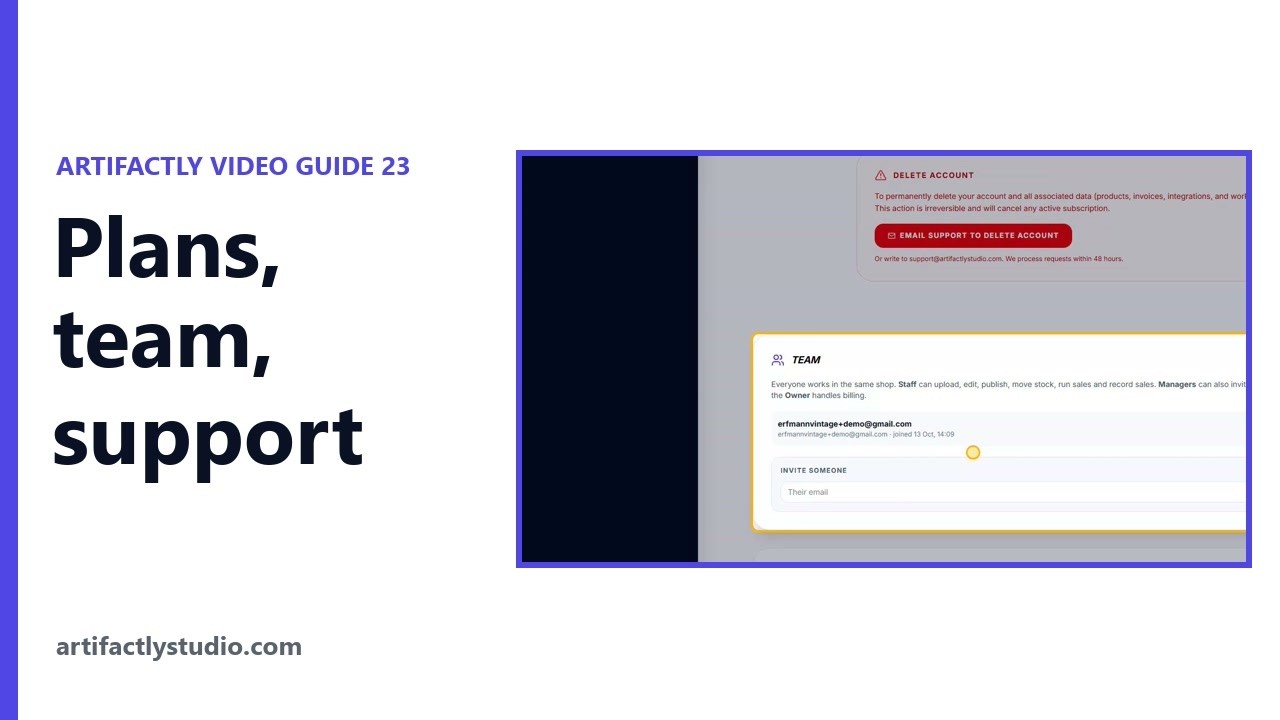 4:25
4:25Artifactly plans, staff accounts and support access
Billing and Account shows your plan, lets you change it through Stripe, and holds your team: invite staff by link, choose Staff or Manager, and see what everyone did. 3:24
3:24The Artifactly Dealer Network for UK antique dealers
The Dealer Network is a private WhatsApp group where UK dealers who use Artifactly buy, sell and trade stock dealer to dealer, with no fees or commission.
Try it on your own stock
Every account starts with a 14-day free trial. No card needed.
Start free trial